
Automated Link Building Tool ( Backrefs )
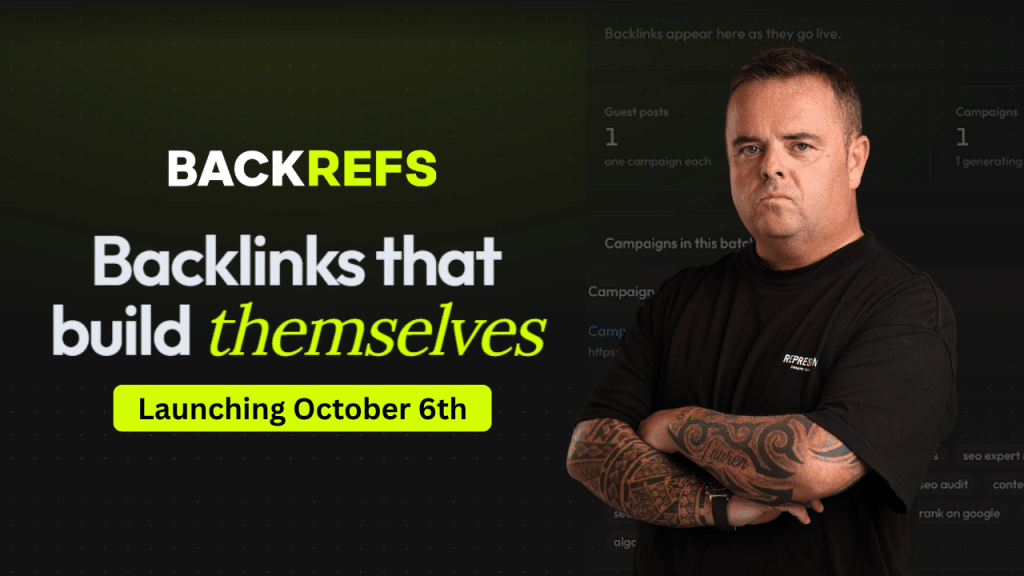
Today is the launch of Backrefs, an automated link-building tool that you can use for a wide range of different campaigns. This tool was developed by Stealthcode, the same team behind SEO Neo and SEO Autopilot. This is the latest tool on the market; you don’t need emails, proxies, or any of that stuff to start building links.
It is basic and easy to use and is as easy as any other automated link-building tool on the market. You can build tiered link-building campaigns to power up your links and help keep them in Google’s index.
Below is a video where I give you a quick overview of all the campaigns you can set up on Backrefs.
Backrefs pricing
First thing everybody wants to know is what it costs. Backrefs starts at $19 a month and goes up to $449 a month, and what you pay just comes down to how many tokens you need.
Tokens are what the tool uses to run your campaigns. So if you’re running one site you’ll need a lot less than someone doing client work across 20 or 30 websites. Pick the package that fits what you’re actually doing.
There’s also a 3 day free trial with 100 tokens. So you can have a play about with it and see if it’s for you before you put your hand in your pocket.
Building links to your money site with Backrefs
This option is the one most people are going to go for first. You can send links straight to your money site if you want, and it’s daft how quick it is to set up.
You click continue with the money website and put your URL in. I put my YouTube channel in as well, and I tick the box to have all my links indexed.
The tool then goes off and reads your page. It pulls out keywords and images, and it takes the videos from your YouTube channel. Then it hands you a list of anchor text. You can select up to 30, and you can add in your keywords if there’s something it’s missed.
Next you choose how many links you want. In my example I went with 51 primary links and 183 supporting links. It’s a slider, so you just drag it up and down as you see fit.
There are two options on this screen worth knowing about:
- Authority boost. This takes slightly more tokens. It’s basically a redirect that gets placed at every primary link.
- Exclude non EU and US websites. Handy if you care where your links are coming from. Just know that ticking it brings down the number of supporting links you can get, because obviously you’re cutting websites out.
So what actually gets built? In my case it was 20 articles, because I had 20 anchor texts picked. It builds one article per keyword, and that gets reused across the campaign.
Hit confirm and launch, and it reserved 102 tokens off me for that one. Then it will start building your links as soon as possible. You don’t need to sit there and babysit it.
What you get back and how the reporting works
I’m not going to sit and watch a campaign build in real time, so I’ll go off a few I’d already ran. It is very, very quick though.
One of my earlier campaigns built 407 backlinks, and every one of them is listed out there for you to see. You can export the lot as a PDF or an Excel spreadsheet. If you’re doing client work that’s your deliverable sorted, you just hand it over.
I done a press release campaign on it as well and got 770 links out of that. All the press release URLs are sitting there and again you can export all of it.
Other campaign types you can run in Backrefs
Money site links are only one part of it. There’s a few other campaign types in there and they all work pretty much the same way.
Brand awareness campaigns
This is for building your brand authority and getting your brand name and target URL out all over the place. You put in your brand name, your URL and your YouTube channel, and it scrapes everything up for you. It launches just as quick as the money site one.
Wiki stacking
You can go and build some wiki links, which are rather powerful. You’ve got two options on this one:
- Total control. You supply everything yourself, so the URLs, the images, the videos.
- Automated. It scrapes your website for the images, the keywords and everything else.
You can put up to 20 URLs in and then it goes and does its thing.
PBN links
If you’ve got a PBN, you probably want to give that some power as well. Same method applies. Put your URL in, your YouTube, tick to index and off you pop. It’ll scrape everything for you.
Using Backrefs for local SEO
Now when it comes to local SEO, this is the bit I think a lot of the local guys are going to like. There’s two campaigns built for it.
GBP boost
With local you want links going to your map listing and your share URL. So you put in your business name and it gives you your map share URL.
There’s a read my website button as well. Click that and it grabs images, a description and any social links off your site. SEOs are notoriously lazy, so we want the tool doing that bit for us.
It then gives you your content language, keywords, images and business description. You decide how many links you want to build and if you want supporting links on top. Confirm and launch, and the campaign goes and does its thing.
Local SEO driving directions
Same start. Put in your business name, click select, and it shows you all the available driving points surrounding your business.
You can set the radius at 1 kilometre, 2 and a half, or 5 if you want to go a bit wider.
There’s also a skip water option. I don’t have any water near my office, but if you’re on a coastline, you really don’t want driving directions coming from the middle of the sea. That’s rather stupid.
Click generate links and it asks Google for a driving direction link. Then you put in your keywords, set your comments per link and make sure it’s getting indexed. I used ‘SEO Glasgow‘ as my keyword. Confirm and launch. That easy.
Powering up your citations, guest posts and press releases
This is the part I’d pay the most attention to, because it’s where a lot of people are throwing money away without realising it.
Citations
If you’re doing local, you’re going to be doing citations to get your name, address and phone number out there. You want to be powering those citations up. One, it gives them that extra bit of power. But two, and this is the bigger one, you want your citations to stay in Google’s index. Best way to do that is build links to them.
You can do up to 100 citations at a time per campaign.
Guest posts
A lot of people waste money on guest posts. Now guest posts are great, don’t get me wrong, but they’ve got to be in Google’s index to pass any value to your website.
If you’re buying a whole bunch of guest posts and over time they get deindexed, they’re no longer passing value. That’s money down the toilet pan. So power them up. You can do up to 50 at a time.
Press releases
Same story here. When you do a press release blast, a whole bunch of those will drop out of Google’s index. You want them staying in there so they keep passing value.
You can do up to 100 URLs at a time, and you’re adding a bit of power to your press releases while you’re at it. Easy peasy.
Connecting Backrefs to AI with MCP
Backrefs has an MCP option, which means you can connect it up to your AI tools. Claude, ChatGPT, Cursor, and there are a bunch of other options in there as well.
So if you’ve already got automated systems in place, you can plug Backrefs into that setup and have it running as part of what you’re already doing. And if you’re not into any of that, you just use the dashboard like I did above.
Is Backrefs worth a try?
So that’s Backrefs in a nutshell. No proxies, quick to set up, and it covers money site links, brand campaigns, wikis, PBNs, local SEO and powering up the links you’ve already paid for.
This is only a quick overview. There’s going to be more videos going a bit more in depth on each of the campaigns.
If you want to give it a go you can sign up using the link below. Grab one of the packages, or take the 100 tokens and try it out free for 3 days. Entirely up to you.
Sign up and get the 3 day free trial.

Craig Campbell
I am an SEO entrepreneur who has been in the industry for over 25 years, i can help with consultancy, advice and much more. Get in touch if i can help you.


 Back to top

